Design tools for laser cutting and engraving.
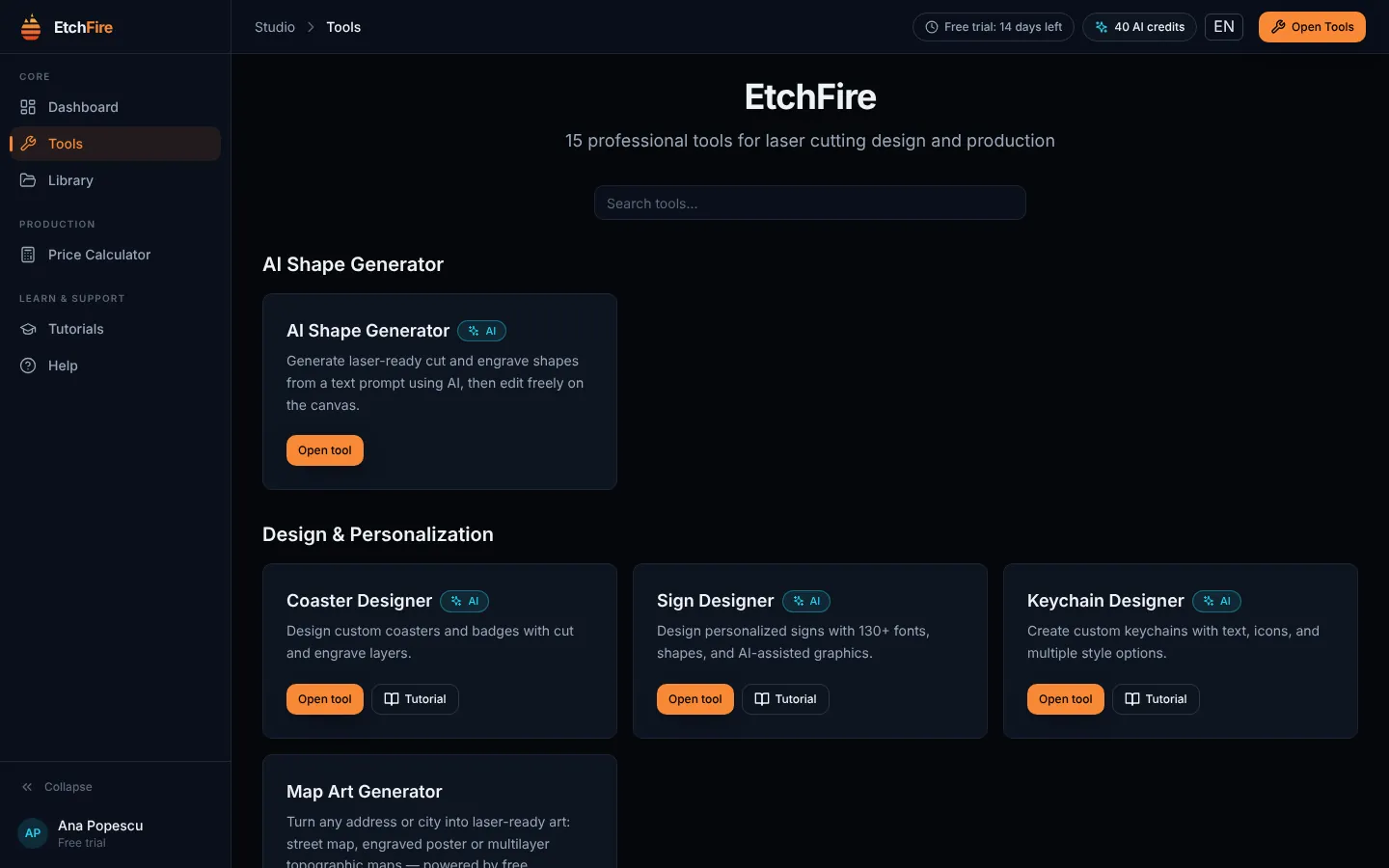
EtchFire is a Windows app with 15 design tools for laser cutting and engraving. You set the size, the material and the text, and the tool draws the file: boxes with finger joints, name puzzles, signs, portraits from photos, map art and more. You export SVG, DXF or PNG and open it in your laser software.
Join the waitlist Coming soon for Windows 10 and 11.
 EtchFire
Fifteen tools that draw the file for you
- Boxes, name puzzles, jigsaws, signs, keychains, coasters and map art. Change the size, the material or the text, and the file is redrawn.
- Photos turned into cut portraits and stained glass, and a few words turned into a shape you can cut, with AI.
- Files in SVG, DXF and PNG that open in LightBurn and in most other laser software.
Join the waitlist At launch, every tool can be tried free for 14 days.
14-day free trial
Every tool, no card needed.
Buy once
A license with no subscription. AI credits only if you want them.
Windows 10 and 11
64-bit. Your designs are saved on your computer.
Five languages
English, Română, Español, Français, Deutsch.
The tools
Fifteen tools, grouped by what they start from.
Things to make
From a description
Around the workshop
Frequently asked questions
How long does a license last?
It does not expire. You pay once and keep using the tools.
Is it a subscription?
No. The license is paid once. AI credits are optional and bought separately.
Which computers does EtchFire run on?
Windows 10 and Windows 11, 64-bit. There is no Mac version yet.
Do I need an account?
Yes. You sign in with your email and a password. The account holds your trial, your license and your AI credits.
Do I need to be online?
An internet connection is needed to sign in, for AI features, for turning images into vectors, for map data and for the Price Calculator, which keeps your prices in your account. Your designs are saved on your computer.
Which laser software can open the files?
The files are standard SVG, DXF and PNG, so they open in LightBurn and in most other laser software.
What do AI credits pay for?
Generating with AI: shapes from a text prompt, portraits and stained glass from photos, and the AI options in Sign, Keychain, Coaster, BoxMaker and Map Art. If an AI request fails, the credits go back to your account.
How do I learn to use it?
Every tool has a guide under Tutorials in the app, with the settings explained one by one.
When does EtchFire launch?
Soon. Join the waitlist and you will get an email on launch day.
Get an email when it’s out
First one email to confirm your address, then one on launch day. After that only now and then, when there’s a new tool. You can leave the list whenever you like.